GTD Mastery: The Complete Manual
The full GTD operating system in Tellzm — all five stages, the discipline that keeps it alive, and the modern adaptations that make it survive a 2026 work week. Built for people who've tried GTD and watched it collapse.
GTD without the binder. The system shouldn't outweigh the work.
David Allen's Getting Things Done is one of the few productivity books that's both genuinely good and almost impossibly hard to maintain. The five stages — capture, clarify, organize, reflect, engage — are the right shape; the problem is that most implementations make each stage so heavy that the whole system collapses within a month. This guide is the lighter version. The full GTD model, distilled into 15 minutes of upkeep per day, with the modern adaptations that make it fit how knowledge work actually happens now.
Part 1 — Why GTD survives where productivity systems die
Productivity systems die for a predictable reason: they require more energy to maintain than they return. GTD survives because, when implemented correctly, the upkeep is cheap and the return is the freedom from having to remember anything. Your brain stops being a storage device and starts being a thinking device. That's the entire pitch — and it's actually true if you don't get fancy about implementation.
What kills GTD implementations
- Trying to categorize at capture time. Capture has to be friction-free; categorization happens later.
- Hourly inbox sweeps. Once a day, mid-day, is enough. More often and you're doing maintenance instead of work.
- Weekly review that grows past 20 minutes. The longer it gets, the sooner you'll skip it. The skipped review is the death rattle.
- Treating Someday/Maybe as a graveyard you ignore. It needs a monthly scan or it becomes a guilt-inducing wasteland.
GTD in Tellzm: The Complete Playbook
The shorter version of this whole guide — five stages, one post.
Part 2 — Capture, maxed out
Capture is the foundation. Get it wrong and nothing else matters. The whole point is to externalize commitments so your brain doesn't have to remember them — and the only way that works is if capture is friction-free enough that you actually do it, every time, for every commitment. The bar is brutally low: capture must take less effort than remembering.
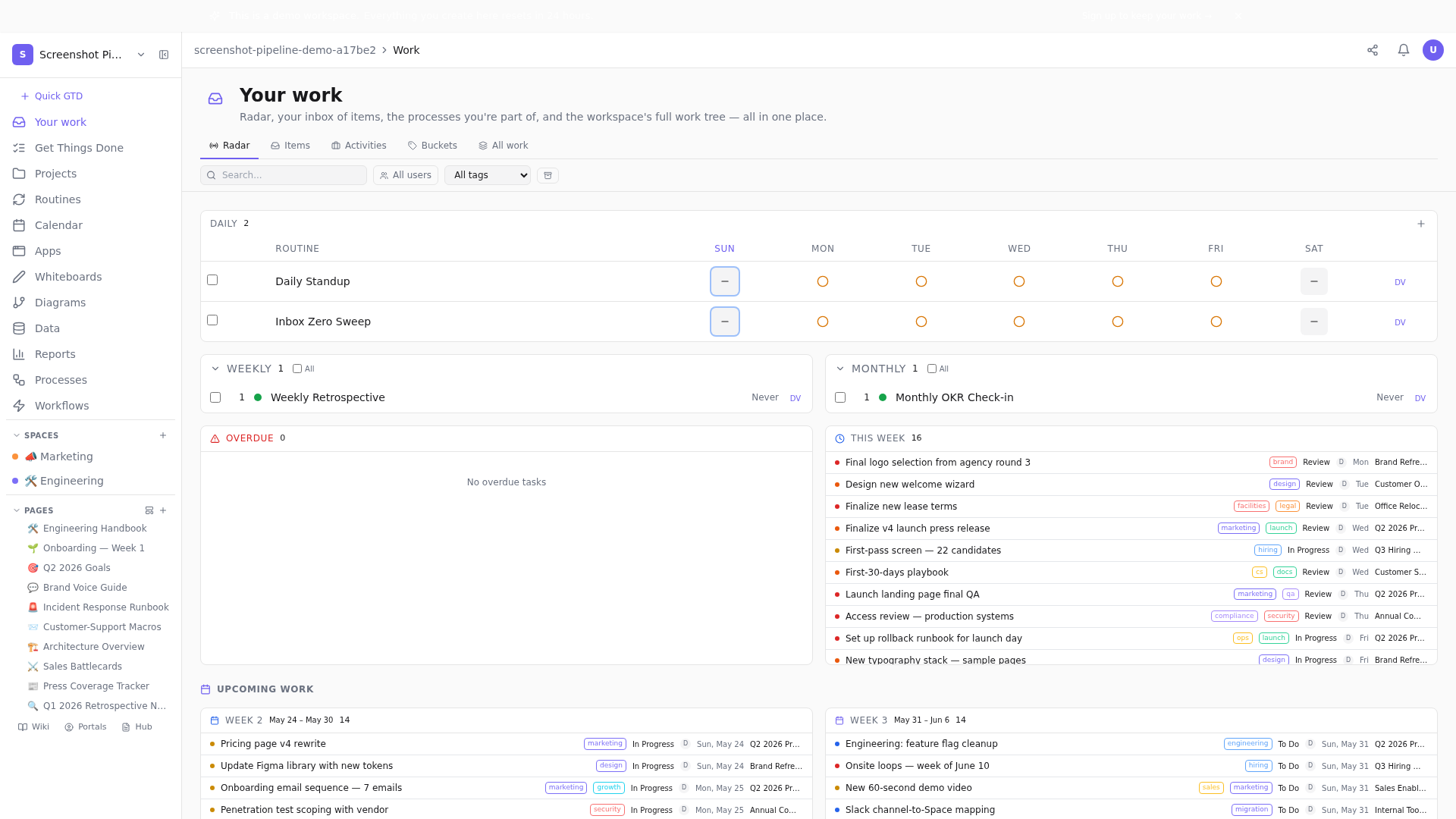
The capture spots in your day
- Mid-meeting: a remark unrelated to the meeting topic. Don't try to remember it. Quick-capture, back to listening.
- Walking back from coffee: an idea pops into your head. Voice memo if hands are full, or type the headline.
- During deep work: a tangential thought you don't want to lose. Capture into Inbox, do NOT context-switch.
- 3am wake-up: phone on bedside, type the one line, sleep. Your brain wakes you because it's worried about forgetting. Capture is what lets it go back to sleep.
Part 3 — Clarify with the two-minute discipline
Once a day, mid-day, you open Inbox and clarify what you captured. For each item, four decisions: is it actionable? Yes/no. If yes — what's the very next physical action? If no — trash it or stash it. Two minutes per item, max. The clarification is a sweep, not a deep-dive.
The Two-Minute Rule, Done Right
Why the two-minute rule is misunderstood by most people who try to follow it.
The 'next physical action' discipline
This is where most people fall down. 'Plan the offsite' is not an action; it's a project. 'Email Sarah to ask if she's available for the offsite' is an action. The discipline is to write tasks at the action level, not the project level. If a captured item is a project, break out the next action and file the rest as the project's sub-items.
Part 4 — Organize into the four buckets
Once clarified, items go into one of four buckets. Today, Next, Waiting, Someday. The buckets have hard caps; the caps are what keep the system honest.
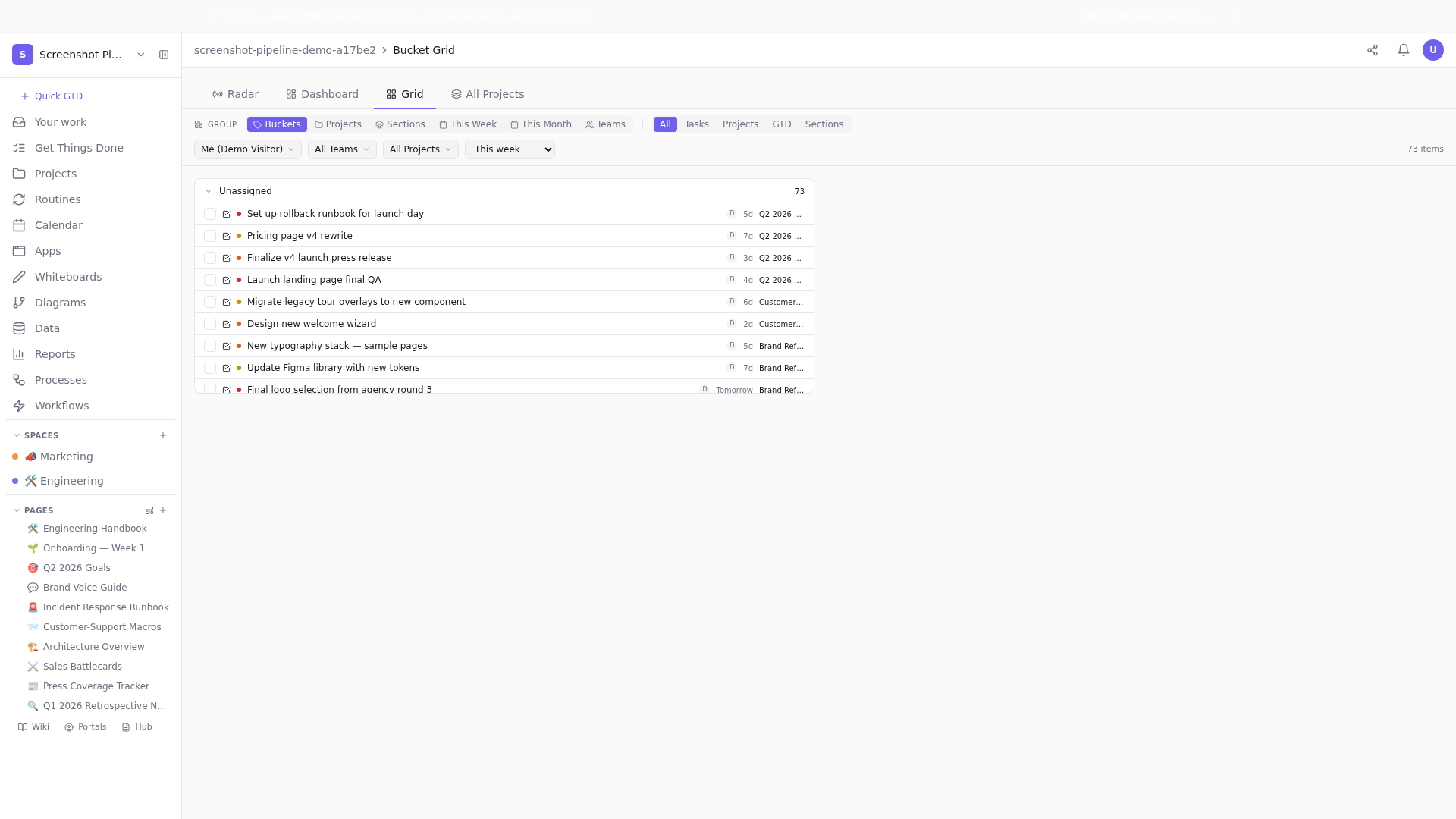
The caps
- Today: max 5. Real. If you have 6, one is a lie.
- Next: max 20. Above that you can't actually scan it; it becomes a list you avoid.
- Waiting: max 15. Each has the date you'll re-chase if no reply.
- Someday: max 50. Above that the bucket becomes a graveyard. Aggressive monthly pruning is mandatory.
Part 5 — The reflect ritual (the most-skipped, most-important stage)
Friday afternoon. Twenty minutes. Open the dashboard. Walk through the four buckets in order. Promote, demote, kill. The reflect ritual is where the system either stays alive or starts to rot.
The Five-Minute Weekly Review
The full 5-minute Friday review checklist, minute by minute.
The five-question check
- Today: what stayed for >3 days without moving? Demote to Next.
- Next: what's been here >30 days? Promote to Today, or demote to Someday, or kill.
- Waiting: who do I need to chase this week?
- Someday: kill 3. Be ruthless.
- Done: count it. Celebrate the count briefly. The brief is intentional — long celebrations distort future planning.
Part 6 — Engage from a clean head
If capture, clarify, organize, and reflect are done well, engage is the easy part. You sit down, open Today, and work on the first item. No deciding what to work on. No second-guessing. No competing tabs. The cognitive load is gone — the system is holding it for you.
Why engagement is the goal, not the work
GTD is sometimes mistaken for a system to make you productive. It's not. It's a system to make engagement possible. The work was always there; you just couldn't bring full attention to it because your head was busy juggling. When the system holds what your head was juggling, engagement becomes possible.
Part 7 — Modern adaptations (the 2026 patch)
GTD was written in 2001. Two decades of work-pattern change need to be patched in.
Patch 1: context tags by energy, not location
Allen's original contexts were '@phone', '@errands', '@office'. In 2026 most contexts are location-irrelevant — most workers can do most things from any location. The modern adaptation: tag by energy required. @deepwork, @admin, @thinking, @async. When you have 30 minutes of low energy waiting for a meeting, scan @admin. When you have a 90-minute fresh morning, scan @deepwork.
GTD Contexts in 2026 — Beyond '@Phone'
The full breakdown of 2026 GTD contexts.
Patch 2: tools-aware capture
GTD assumed pen and paper. Modern capture is fastest at the device you're already using — Tellzm's quick-capture (Cmd+Shift+N), voice memo from your phone, even Slack DMs to yourself. Pick one primary capture surface and have a fallback for situations where your primary isn't available.
Patch 3: the Someday discipline
Allen treated Someday as a place that grows indefinitely. In 2026, with infinite capture surfaces and very cheap aspirations, Someday balloons fast. The patch: aggressive monthly culling. If something has been in Someday for 90+ days without being touched, it's not 'maybe one day' — it's never. Delete it. Your future self will not miss it.
The Discipline of Someday/Maybe
Why your Someday list is a graveyard you should regularly visit.
Part 8 — When GTD doesn't fit
GTD is right for knowledge work with many small commitments. It's wrong in two cases: jobs with very few large commitments (a CEO with three big strategic priorities doesn't need a 50-item Someday), and jobs with no commitments to schedule (artists working on one project at a time, researchers in a single long study). For those, a simpler 'list of three things' or 'project log' beats the GTD overhead.
Closing
GTD's promise is real: your mind is for having ideas, not holding them. Get the system right and the promise lands. The trick is keeping the system lighter than the work it's organizing. 15 minutes a day, five days a week. That's the budget. Stay inside it and the system will outlast every other productivity book you've ever read.
Your mind is for having ideas, not holding them.Open the demo's buckets grid and run a five-minute review on the seeded items.
Related posts
GTD in Tellzm: The Complete Playbook
The five GTD stages — capture, clarify, organize, reflect, engage — wired into a Tellzm workspace you maintain in five minutes a day.
The Five-Minute Weekly Review
The Friday review is the load-bearing habit in GTD. If yours takes an hour, you'll skip it. Here's the five-minute version that survives.
The Two-Minute Rule, Done Right
If a task takes less than two minutes, do it now. Sounds simple. People still get it wrong. Here's why.
GTD Contexts in 2026 — Beyond '@Phone'
Allen's '@phone, @errands, @home' contexts came from 2001. The 2026 versions are different — and more useful.
The Discipline of Someday/Maybe
Someday/Maybe is where ideas go to die. That's a feature, not a bug. Here's how to use it ruthlessly.