The Complete Project Management Playbook
A full-length guide to running projects that don't drift — from kickoff through closeout, with every cadence, artifact, and conversation that actually moves the needle. Drawn from running hundreds of projects in Tellzm.
Most projects fail in the first two weeks. The structure you set in week one decides week ten.
This is a long one. We've broken it into eight parts so you can skim, save it, come back to a specific section, or read it end-to-end on a Sunday afternoon. The link cards inside link out to shorter, focused posts when you want to go deeper on a specific topic. Skip to any section using the table of contents above.
This guide is opinionated. We don't think every project needs a Gantt chart, a daily standup, and a steering committee. We do think every project needs: clear owners, a written scope, a published cadence, and a feedback loop that catches drift early. The methods below are how we operationalize that in Tellzm.
Part 1 — Why projects drift
Projects rarely fail because the team lacks skill. They fail because the rails the team is running on were built for a different project. A team that ships a marketing campaign well will flounder running an infrastructure migration with the same rituals. Different projects need different shapes.
The three sources of drift
- Scope creep — the project quietly absorbs work it wasn't meant to do. Each item is small in isolation; collectively they push the timeline by weeks.
- Owner ambiguity — tasks have a team assigned instead of a person. When a team owns something, nobody does.
- Cadence drift — the weekly review skipped twice becomes 'we'll catch up on the next one'. Then there is no next one.
All three are caused by the same thing: the project never had explicit answers to 'what's in scope', 'who owns this', 'when do we look at it together'. Once those three are written down — and visible — most drift is preventable.
Scope Creep, the Quiet Killer — and How to Spot It
Deep dive on spotting and stopping scope creep early.
Part 2 — Setting up the project right
The first 60 minutes of a new project decide its first 60 days. Don't spend them on a kickoff slide deck. Spend them filling in the PMO document. The 11 sections aren't busy-work — they're the questions that always come up anyway, just usually three weeks later when they're expensive to answer.
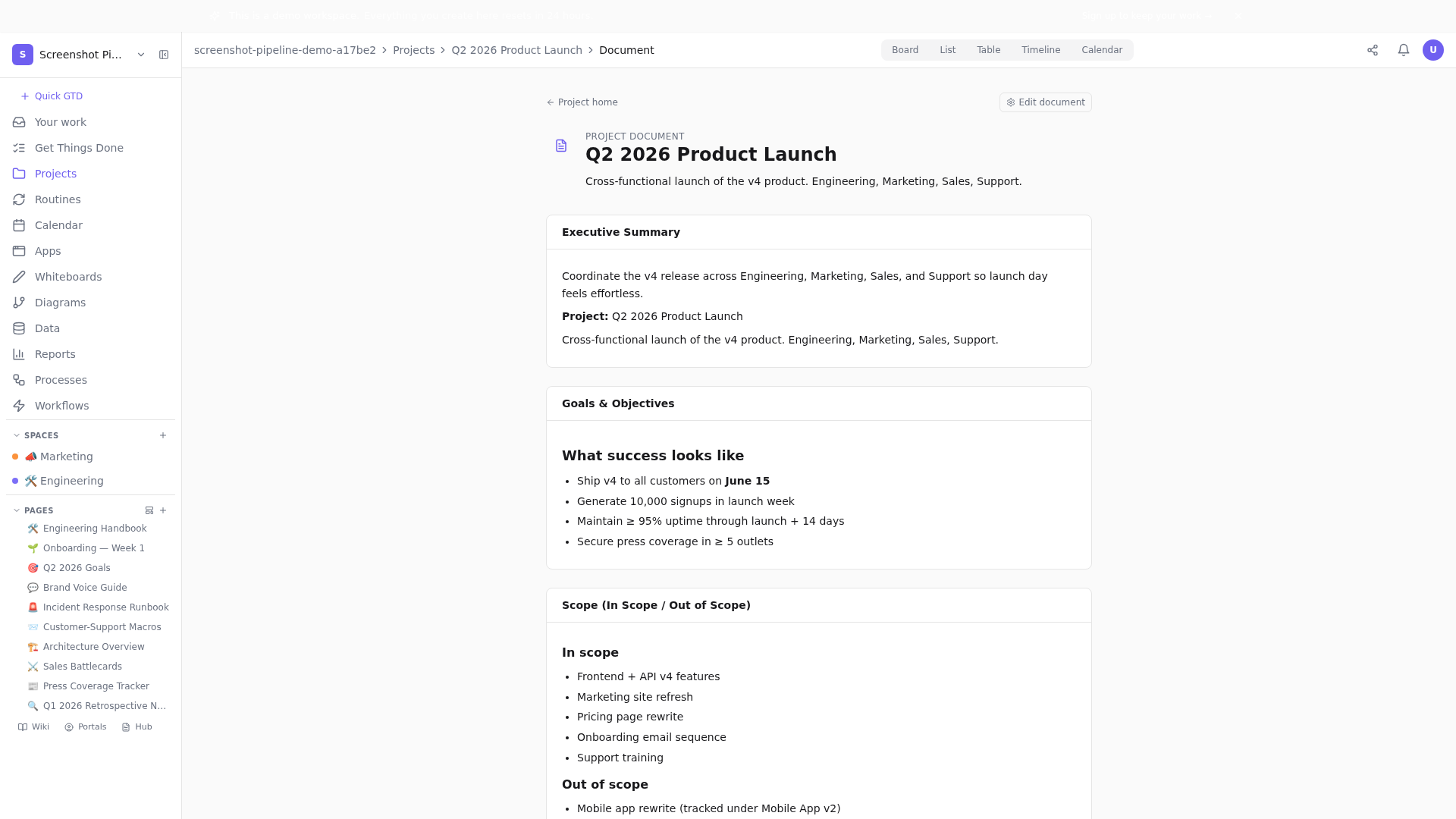
The 11 sections, in order of priority
- Executive Summary — one paragraph. If your sponsor reads only this, what should they know?
- Goals & Objectives — what success looks like, with numbers where possible.
- Scope (In / Out) — explicit out-of-scope items prevent 80% of future scope-creep fights.
- Stakeholders — name, role, what they need from this project. Three columns max.
- Deliverables — what's getting shipped. Tangible, not aspirational.
- Timeline & Milestones — dates, not 'Q3'. Specificity buys you trust.
- Budget & Resources — money + headcount + tools. Be honest about hidden costs.
- Success Criteria — how do we know we won? Measurable, technology-agnostic.
- Risks & Assumptions — what could go wrong, what are we betting on? Updated weekly.
- Communication Plan — cadence, channels, who writes the Friday update.
- Approvals & Sign-off — who signs the work as done, at which gate.
You don't fill all 11 perfectly on day one. You fill what's clear, mark the rest as TBD, and revisit them in the first week's review. The act of writing TBD is the prompt that gets you the answer — usually from someone who's been waiting to be asked.
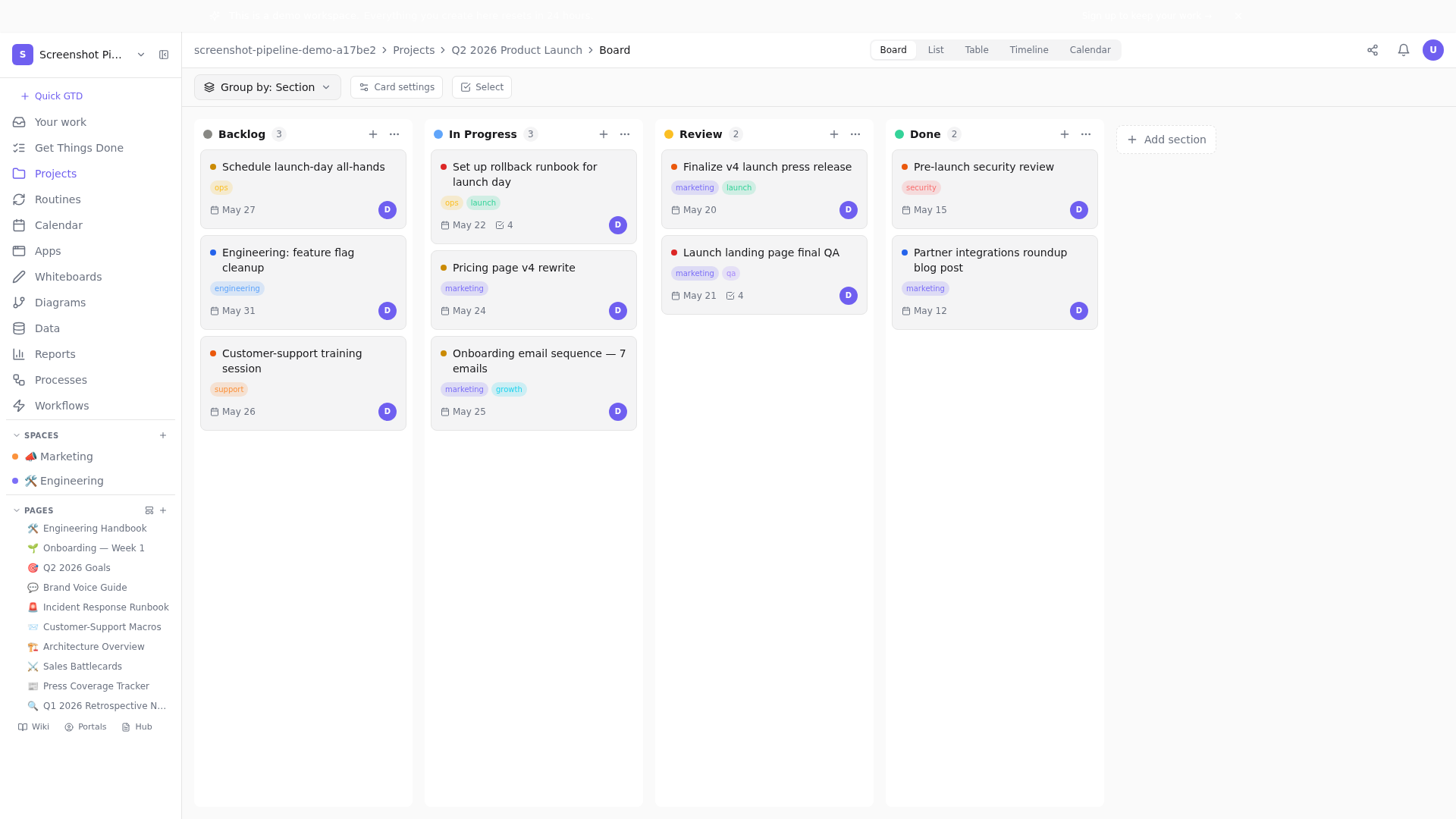
Picking the right view as your project's home
Different projects want different default views. Board is great for things-in-flight where 5-15 items are active at once. List is better for projects with 40+ tasks where you need filters and sorts. Calendar is ideal when dates dominate the work. Timeline (Gantt) is honest when you actually have dependencies that matter. Pick one, set it as the project's default, and let the team know — switching constantly is more confusing than committing to one.
Part 3 — Running the kickoff
The kickoff meeting has a bad reputation because most are run badly. Done right, a 45-minute kickoff replaces three weeks of misalignment. The shape of the meeting matters more than the slide deck.
The Project Kickoff Meeting Template That Actually Works
The exact 45-minute kickoff template with timings for each segment.
What a good kickoff produces
- Every stakeholder has named at least one risk they see (which now lives in the PMO doc).
- Every deliverable has an owner — a person, not a team.
- The cadence is set: when do we sync, what do we sync about, where does it live?
- Each person has written their next action for the week — visible, not just verbalized.
Things to avoid in the kickoff
- Going around the room for intros — it eats 10 minutes and produces nothing. Send a written team list if intros matter.
- Reading the slide deck out loud. If the deck makes sense without narration, just share it async.
- Open-ended 'any questions' at the end. Better: 'name one thing that's still unclear to you'.
Part 4 — Owners, accountability, and the assignee discipline
The single highest-leverage habit on a project: every task has exactly one assignee. Not a team. Not multiple people sharing responsibility. One person whose name shows up when you sort the list by 'owner'. If two people own it, neither does.
This isn't about blame — it's about clarity. The owner makes the call when the task hits ambiguity. They don't have to do all the work themselves; they have to make sure it gets done. The distinction matters: in a healthy project, the owner pulls in helpers but stays the single answer to 'who's tracking this'.
The 'one-owner' enforcement loop
- Sort your board by 'unassigned' every Monday. Any task without an owner gets one before the standup ends.
- On the second Friday a task hasn't moved, the owner explains what's blocking it — written, not verbal.
- Ownership transfers are documented in a one-line comment on the task. Slack DMs don't count.
Why Every Project Needs a Decision Log
Pair owner discipline with a decision log so the why survives the people.
Bottlenecks: when one person owns too much
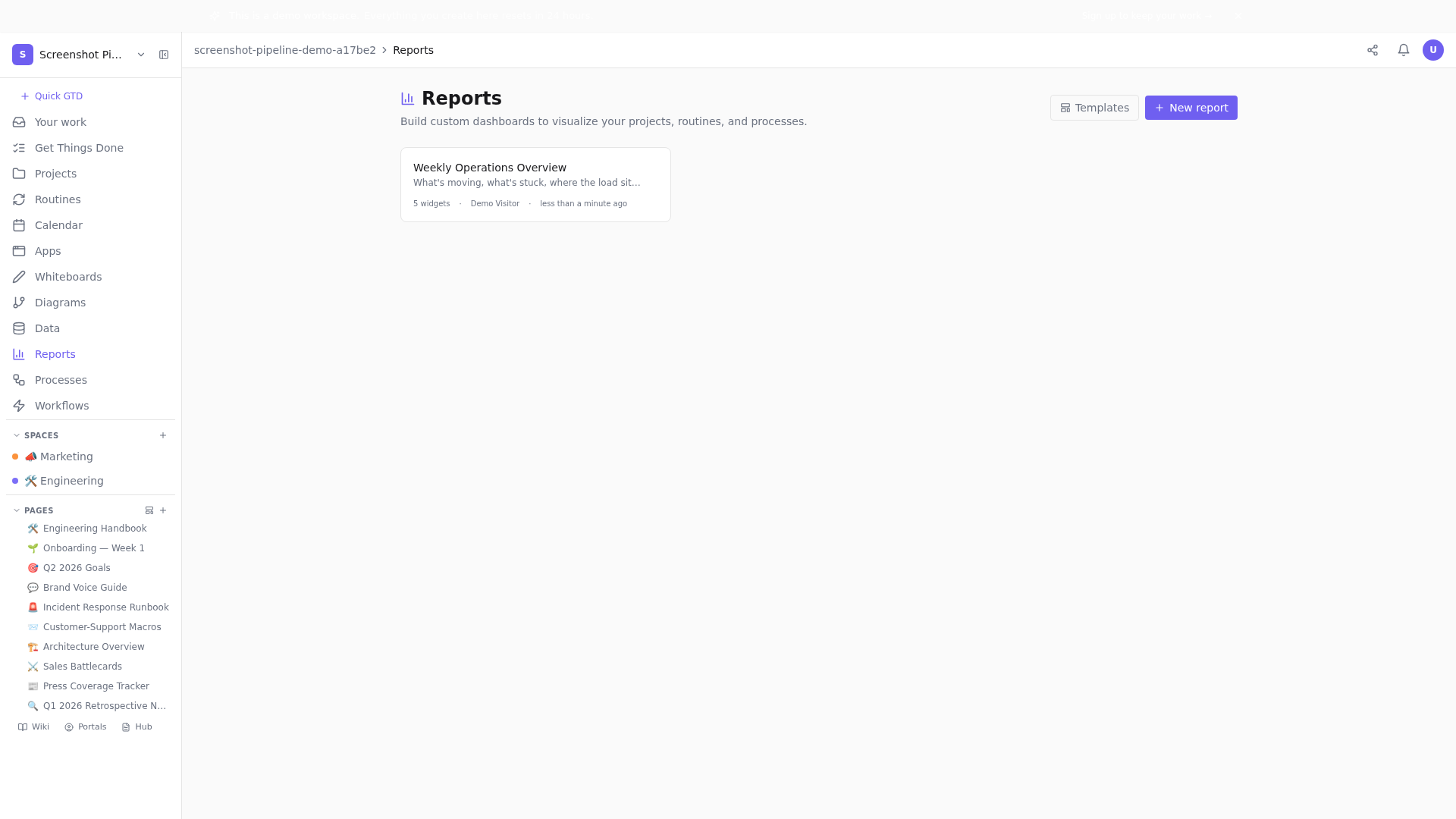
Sort owner balance from your dashboard. If one person has more than 12 in-progress items, you have a single-point-of-failure that will hurt the project before anyone notices. The fix isn't 'work harder' — it's redistribute, hand off, or cut scope. Three options, in order of preference.
Part 5 — The cadence that catches drift early
Cadence is to projects what compound interest is to savings: small consistent inputs that produce outsized outcomes. Our recommended cadence has three loops at three different frequencies.
Loop 1 — The daily async standup
Three lines, posted by each person before 10am local in the team Space. Did / Doing / Blocked. The blocked line is the only one that triggers action — everyone else reads on their own time and reacts with an eye emoji to signal 'I saw this'.
Loop 2 — The weekly review
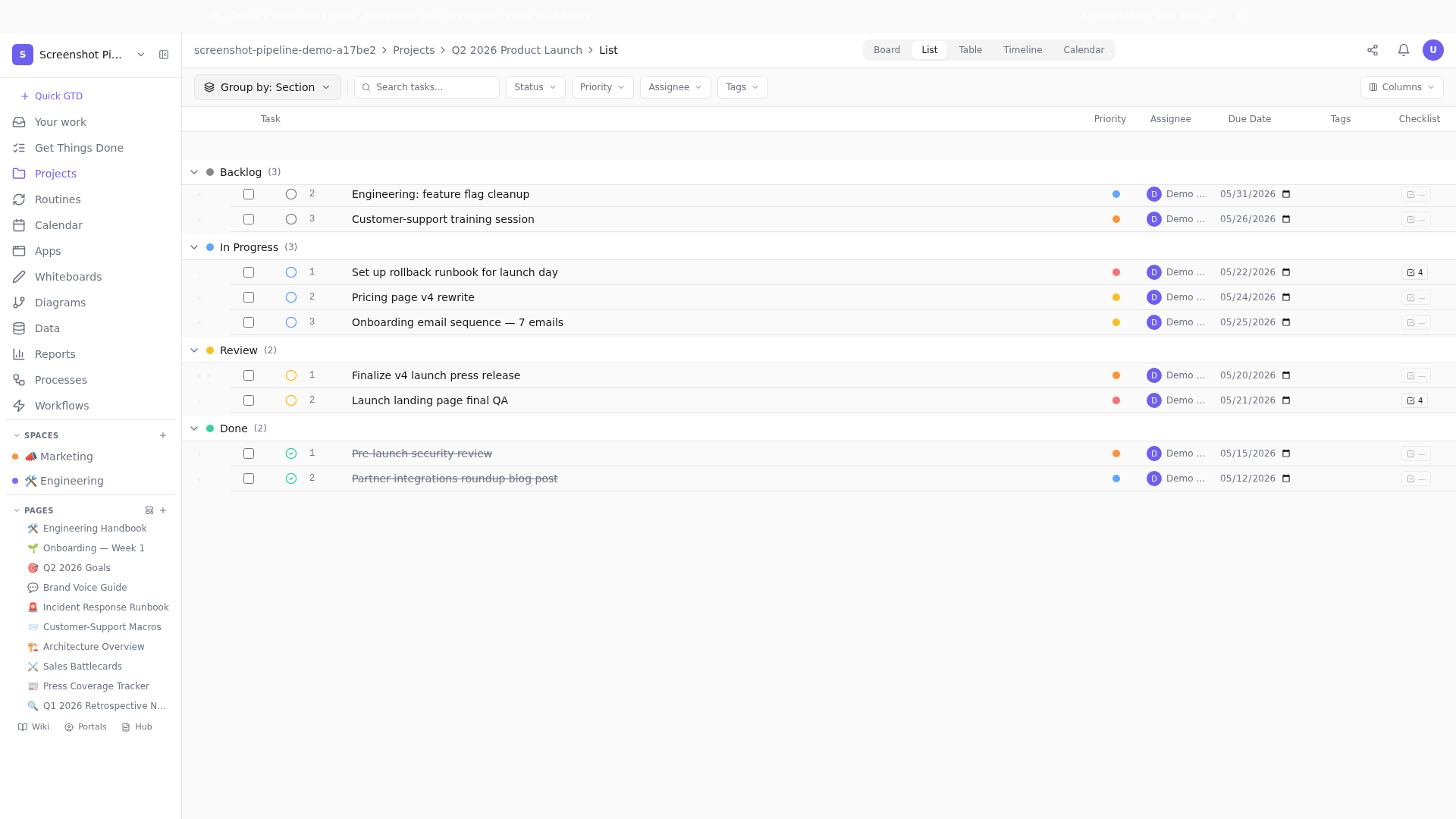
30 minutes max. Open the dashboard on screen-share. Walk through movement (what changed this week), cycle time (is it drifting up?), and owner balance (anyone overloaded?). Anything that's been red for two consecutive weeks gets a dedicated working session this week — not a status update in the next review.
Loop 3 — The milestone review
Held at each major milestone (typically every 4-6 weeks). 60 minutes. Stakeholders attend. Decisions get made — about scope, dates, resources. The PMO document is updated live during the meeting. This is the only meeting in the project where 'we'll decide later' is not an acceptable answer.
Stakeholder Management Without the Status Meeting
If you're spending 60 min/week on status updates with stakeholders, your dashboard is doing the wrong job.
Part 6 — Risks, decisions, and the audit trail
Three things tend to be invisible in failing projects: risks that materialized but were never logged as risks; decisions that were made but never written down; and the why behind both. Healthy projects make all three visible.
The risks register
Every project has a Risks & Assumptions section in its PMO doc. Each risk has three columns: the risk itself (specific, not 'something might break'), a likelihood/impact rating (1-5 each), and a mitigation. The risk that scares you most should have the most-developed mitigation.
The decision log
Every meaningful decision lives in a page inside the project, called 'Decision log'. Each entry: date, decision, alternatives considered, reason chosen. Three lines max — the discipline isn't comprehensiveness, it's existence. Six months from now, when someone asks 'why did we choose X', the log is the answer.
Part 7 — Closing the project well
Most projects don't end — they fade. The team moves on to the next thing, the dashboard goes stale, the decision log gathers dust. A clean close pays dividends three projects from now. It costs you two hours.
The closeout checklist
- Mark every task as Done or explicitly archive it as out-of-scope. No tasks stay 'in progress' forever.
- Score the OKRs the project served — 0.0 to 1.0 for each KR. Write it down publicly.
- Run a 30-minute retro with the team — async-written, sync-decided. Three lessons, owners on each.
- Move the PMO doc + decision log to an 'Archived projects' page so they stay findable forever.
- Send a closeout email to stakeholders — three paragraphs: what we set out to do, what we did, what we learned.
The lessons-learned doc that gets re-read
Most lessons-learned docs are written once and never reopened. Ours have one trick: at the start of every new project of the same type, the kickoff includes a 10-minute review of the previous project's lessons. The doc becomes load-bearing.
Part 8 — When to throw all of this out
This playbook is right for most projects most of the time. There are three situations where you should ignore it:
- Crisis response — an incident is not a project. The playbook is the incident runbook, not this one. Pick the runbook, work the steps.
- Pure research — a 'figure out if X is true' project doesn't have deliverables in the usual sense. Use a single Page, write conclusions as you reach them, close when the question is answered.
- One-person, one-week — three tasks, one owner, one week. The overhead isn't worth it. Make a list, ship it, move on.
Outside those three situations, almost every project benefits from the structure described above. The cost is two hours of upfront thinking. The payoff is weeks of avoided rework.
Project management isn't about controlling work. It's about making the right things impossible to miss and the wrong things hard to do.
Where to go next
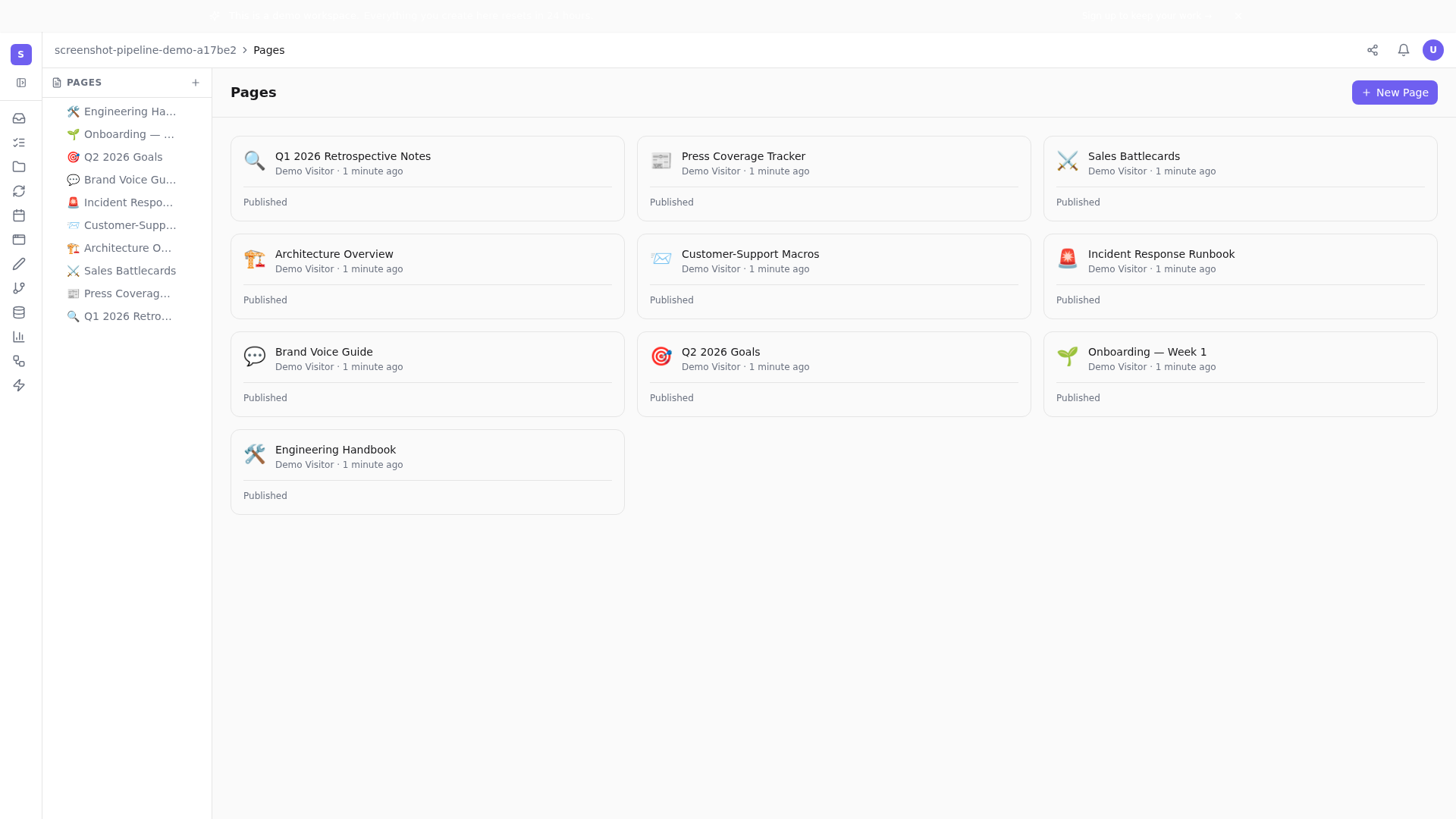
If this is your first project in Tellzm, open a demo workspace and walk through a seeded project end-to-end. Read the PMO doc, click through to the board, switch to list view, check the dashboard. The seeded projects are designed to be a realistic learning playground — no signup, no credit card.
Open a fresh demo workspace and try the playbook on a seeded project.Related posts
Project Management Without the Drift
Most projects don't fail at kickoff. They drift, week by week. Here's how to set up a project in Tellzm so you catch drift before it becomes a slip.
Stakeholder Management Without the Status Meeting
If you're running a weekly status call because nobody trusts the dashboard, the dashboard is the problem. Here's how to fix it.
The Project Kickoff Meeting Template That Actually Works
Most kickoffs waste the first hour on intros and the second on vague ambitions. Here's a 45-minute structure that ends with everyone knowing what's next.
Scope Creep, the Quiet Killer — and How to Spot It
Scope creep doesn't announce itself. It arrives one tiny 'small ask' at a time. Here's the early-warning system.
Why Every Project Needs a Decision Log
Three months after a project closes, the most expensive question becomes 'why did we choose X?'. A decision log answers it in 30 seconds.